Cross-Platform Automation: Syncing Google Drive, Slack, and Trello with AI
Cross-Platform Automation: Master cross-platform automation with AI agents connecting Google Drive, Slack, and Trello. Learn no-code workflows using n8n, Zapier, and Google Workspace Studio to eliminate manual data entry and centralize team operations.
The Productivity Tax You Didn’t Know You Were Paying
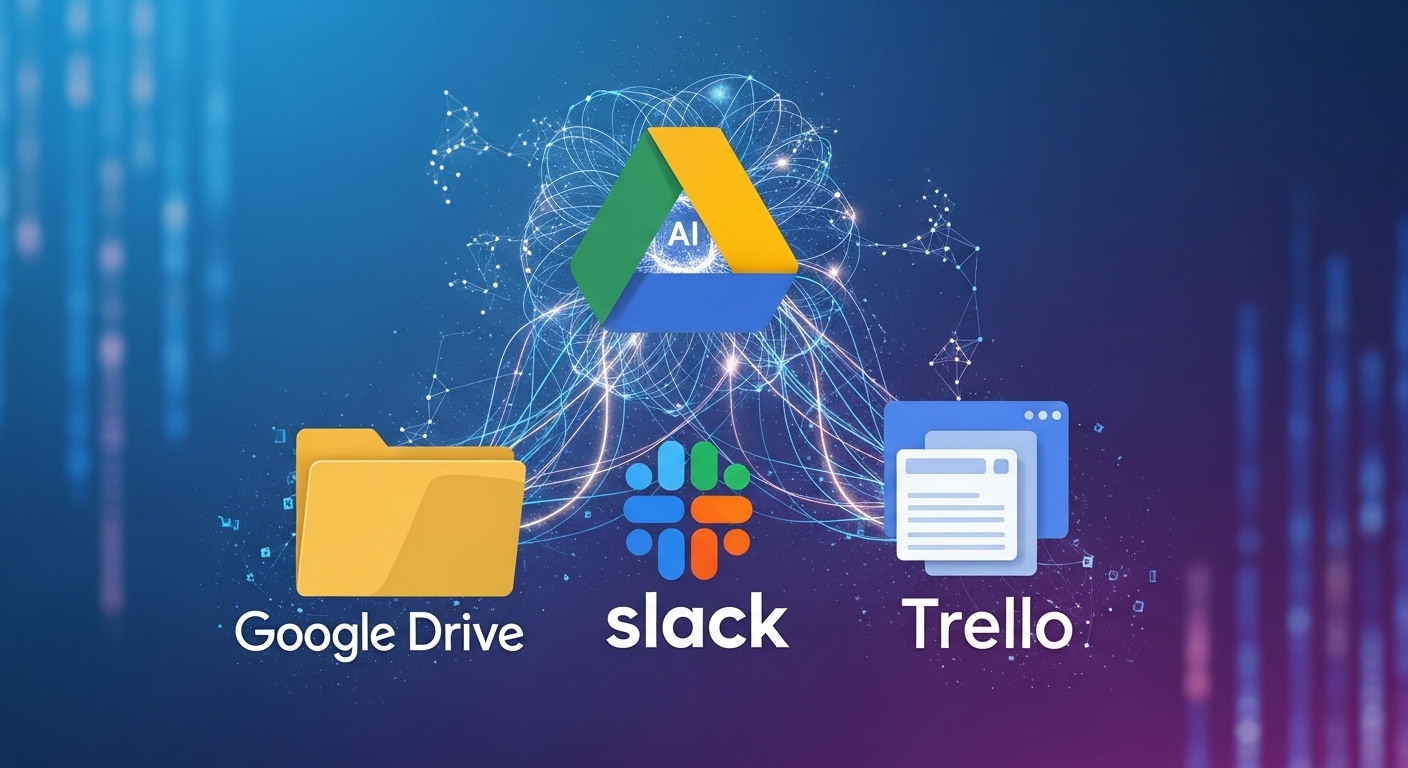
A file lands in Google Drive. Someone on your team needs to know about it. A task needs to be created in Trello. A Slack channel needs an update. Across thousands of teams every day, this simple sequence triggers the same manual ritual: open Drive, download the file, switch to Trello, create a card, paste the link, switch to Slack, type a message, share the link, hope no one forgets to check it.
The cost of these context switches is not just time—it is the cognitive tax of pulling attention away from meaningful work.
But there is a better way. The convergence of no-code automation platforms and agentic AI has made cross-platform synchronization not just possible but effortless. You can now build workflows where Google Drive triggers Trello cards, Slack channels receive automatic updates, and AI agents intelligently route information based on content—all without writing a single line of code.

This guide covers everything you need to know about cross-platform automation: the platforms to use, how to integrate AI agents, step-by-step tutorials, and real-world templates to get you started.
The Automation Toolkit: Choosing Your Platform
Several platforms excel at connecting Google Drive, Slack, and Trello. Each has strengths depending on your technical comfort level and complexity requirements.
| Platform | Best For | Key Strengths | Pricing Model |
|---|---|---|---|
| Google Workspace Studio | Google ecosystem users | Native Workspace integration, plain-language agent creation, Gemini AI | Included with Workspace Business/Enterprise |
| Zapier | Beginners, quick setups | Largest app library (5000+), intuitive interface, pre-built templates | Freemium (100 tasks/month free) |
| Make (Integromat) | Visual workflow designers | Powerful visual builder, complex branching logic, affordable pricing | Freemium (1000 ops/month free) |
| n8n | Technical teams, data-heavy | Self-hostable, code-friendly, vector database integration, RAG agents | Open-source (self-hosted free) |
| Manus | AI-first teams | MCP connectors, natural language task execution, multi-app orchestration | Freemium |
When to Use Each Platform
Choose Google Workspace Studio if: Your team lives in Google apps and you want to build AI agents using plain English prompts . The deep integration with Gmail, Drive, and Sheets means agents can pull context directly from your documents without complex API configuration.
Choose Zapier if: You want the fastest path from idea to working automation. With over 5000 integrations and a massive library of pre-built templates, Zapier is the “plug-and-play” option .
Choose Make if: Your workflows require branching logic, filtering, and complex data transformations. Make’s visual scenario builder makes it easy to see exactly how data flows through your automation .
Choose n8n if: You need advanced AI capabilities like RAG (Retrieval-Augmented Generation), vector embeddings, or want to self-host for data privacy. n8n can connect to Supabase, Cohere, and Anthropic to build intelligent agents that learn from past data .
Choose Manus if: You want to control automation through natural language chat rather than building visual workflows. Manus’s MCP connectors let you say “Create a Trello card from this Google Doc” and the agent executes .
The Three-Way Sync: Google Drive → Trello → Slack
Let’s build the foundational automation: when a new file appears in a Google Drive folder, create a Trello card and notify a Slack channel. We’ll cover the same workflow across multiple platforms.
Option A: Google Workspace Studio (Native Integration)
Google Workspace Studio, launched in December 2025 and now generally available, allows you to create AI agents using natural language .
Step-by-step:
- Navigate to Google Workspace Studio (accessible from the Workspace app launcher)
- Click “Create Agent” and describe what you want:
“Monitor a Google Drive folder. When a new file is added, create a Trello card with the file name and link, then post a notification to a Slack channel.”
- Gemini will generate the agent structure automatically
- Connect your Trello account (OAuth authentication)
- Connect your Slack workspace (select the target channel)
- Specify the Google Drive folder ID to monitor
- Test and deploy
Advanced configuration: Workspace Studio agents support webhooks to connect to virtually any external service and can be extended with Apps Script for custom logic .
Option B: Zapier (Beginner-Friendly)
Zapier makes this workflow achievable in under 5 minutes .
Step-by-step:
- Create a new Zap and select Google Drive as the trigger app
- Choose “New File in Folder” as the trigger event
- Connect your Google Drive account and select the target folder
- Add an action: select Trello → “Create Card”
- Map the Drive file name to the Trello card title, and the file link to the card description
- Add a second action: select Slack → “Send Channel Message”
- Craft your message: “New file added: [File Name] – [File Link]”
- Test and turn on your Zap
Pro tip: The free Zapier plan includes 100 tasks per month—enough for small teams to test core workflows. Upgrade to Professional for unlimited Zaps and multi-step automations .
Option C: Make (Visual Workflow)
Make’s visual builder excels at complex branching logic .
Step-by-step:
- Create a new Scenario in Make
- Add a Google Drive module: “Watch Files” (folder selection)
- Set the schedule (minimum 15 minutes on free plan, down to 1 minute on paid)
- Add a Trello module: “Create a Card”
- Map the Drive file name to card title, file link to description
- Add a Slack module: “Create a Message”
- Configure the message content and select the target channel
- Run the scenario once to test, then activate
Note: Make’s free plan offers 1000 operations per month, with a minimum 15-minute polling interval for scheduled triggers .
Option D: n8n (Advanced)
For teams needing RAG-powered intelligence—where the automation learns from past files to make smarter decisions—n8n is the powerhouse choice .
Architecture overview:
Webhook Trigger → Text Splitter → Cohere Embeddings → Supabase Vector Store
                                                              ↓
Slack Alert ← Error Handler ← RAG Agent (Anthropic) ← Vector Query
        ↓
Google Sheets Log ← Trello Card Creation
What this enables: Unlike basic automations that simply copy data, an n8n RAG agent can:
- Read the content of new Drive files
- Search for semantically similar past files in Supabase
- Use that context to suggest Trello labels, priorities, and assignees
- Log everything to Google Sheets for audit trails
Quick setup summary:
- Deploy n8n (self-hosted or cloud)
- Import the Trello + RAG Agent workflow template
- Configure Supabase for vector storage
- Add Cohere API key for embeddings
- Add Anthropic API key for the RAG agent
- Set up Google Sheets for logging
- Configure Slack webhook for error alerts
- Connect Trello with OAuth
AI-Powered Intelligence: Beyond Simple Triggers
The platforms above are evolving rapidly. The most significant advancement in 2025-2026 is the integration of agentic AI—automation that can reason, adapt, and execute tasks based on natural language commands rather than rigid rules .
Natural Language Automation
What you can do now:
- Google Workspace Studio: “Every Friday, ping me to update my project tracker” creates an agent that does exactly that
- Manus: “Create a Trello card from this Google Doc and notify the team on Slack” triggers a multi-app workflow
- Sharpsana: “Create a high-priority Trello task for Cycle 7 to fix the onboarding flow” generates the card and provides a direct link
Sharpsana: The Product Team AI Agent
Released in January 2026, Sharpsana is an AI agent specifically designed for product teams to eliminate data fragmentation .
What makes Sharpsana different:
| Feature | Capability |
|---|---|
| Bi-directional action | Not just reading data—creating and managing tickets across Trello, Linear, Jira, and ClickUp |
| Fact-grounded querying | Answers derived from your actual Drive documents and Trello cards, not general LLM knowledge |
| Omnichannel integration | Operates as a Slack app or Telegram bot |
| Proactive momentum analysis | Daily scans of connected tools to surface changes in metrics, shipping velocity, or blocked tasks |
| Zero configuration | Begins indexing within 10 minutes of connecting accounts |
Example workflow:
- During a Slack discussion, type: “@Sharpsana create a Trello card for the billing module refactor”
- Sharpsana generates the card, assigns appropriate labels based on past patterns, and posts the card link back to Slack
- Team members can view, edit, or comment without leaving the chat interface
Pricing: Starts at $20/month for the freemium tier.
Claude + Make MCP: Speak, Don’t Click
Anthropic’s Claude can now connect directly to Make via the Model Context Protocol (MCP) server . This means you can:
- Talk to Claude: “Add this to my Trello to-do list”
- Claude triggers Make: The MCP server sends commands to Make
- Make executes: Your Trello card is created instantly
Real-world use cases:
- “Envoie un email à Sophie pour le brief de lundi” → Email sent via Gmail
- “Ajoute ce prospect dans HubSpot” → Contact created in CRM
- “Planifie un call avec Emma jeudi à 15h” → Google Calendar event created
The key insight: you speak, Claude executes, Make connects your apps .
Practical Workflows for Real Teams
Here are production-ready workflows you can implement today.
Workflow 1: Customer Support Ticket Tracker
Trigger: New email in Gmail support inbox
Actions:
- AI analyzes sentiment and urgency (using Gemini or Anthropic)
- Creates Trello card with appropriate priority label
- Logs to Google Sheets for metrics
- Notifies support channel in Slack
Tools needed: Google Workspace Studio (Gmail + Sheets + Gemini) + Trello + Slack
Workflow 2: Design Asset Approval Pipeline
Trigger: New file in Google Drive “Design Reviews” folder
Actions:
- Creates Trello card in “Pending Review” list
- Posts to Slack design channel with preview link
- When card moves to “Approved,” AI sends file to production team
- Logs all activity to Google Sheets for audit
Tools needed: Google Drive + Trello + Slack + Google Sheets
Workflow 3: Weekly Report Generator
Trigger: Schedule (every Friday at 3 PM)
Actions:
- Pulls Trello cards completed this week
- Gathers metrics from Google Sheets
- AI summarizes key accomplishments
- Creates Google Slides deck from template
- Posts summary to Slack with deck link
- Archives to Google Drive “Weekly Reports” folder
Tools needed: Google Workspace Studio (Sheets + Slides + Gemini) + Trello + Slack
Workflow 4: Smart Bug Triage (n8n Advanced)
Trigger: New bug report via webhook
Actions:
- Chunk description with Text Splitter
- Generate embeddings with Cohere
- Query Supabase for semantically similar past bugs
- RAG agent (Anthropic) suggests priority, labels, and assignee
- Creates Trello card with AI-generated content
- Logs to Google Sheets for metrics
- Alerts Slack on errors
Security and Best Practices
When connecting multiple platforms, security cannot be an afterthought.
Authentication
Use OAuth wherever possible. Direct API keys are convenient but create exposure. Google Workspace Studio, Zapier, Make, and n8n all support OAuth for Google Drive, Trello, and Slack .
Scope Limitation
Grant the minimum necessary permissions. For example:
- Google Drive: access only specific folders, not “all files”
- Trello: access only specific boards
- Slack: post permission only to specific channels
Data Retention
n8n workflows can log to Google Sheets for audit trails—use this to track what your automations are doing . For sensitive data, consider self-hosting n8n rather than using the cloud version.
Error Handling
Every automation should have a failure path. Most platforms support error routing:
- n8n: Slack alerts on error path
- Zapier: Error logs in Task History
- Make: Execution logs for debugging
Rate Limits
Be aware of platform limits:
- Slack: Rate limits per workspace; batch notifications where possible
- Zapier: Task limits per billing cycle
- Make: Operation limits per month
- Trello: API rate limits (consult Trello documentation for current numbers)
Costs and Scaling Considerations
| Platform | Free Tier | Paid Starting At | Enterprise |
|---|---|---|---|
| Google Workspace Studio | Included with Workspace Business/Enterprise | N/A | Custom |
| Zapier | 100 tasks/month | $19.99/month (750 tasks) | Custom |
| Make | 1000 ops/month | $10.59/month (10,000 ops) | Custom |
| n8n | Unlimited (self-hosted) | $24/month (cloud starter) | Custom |
| Sharpsana | Freemium | $20/month | Custom |
Scaling advice:
- Start with free tiers to validate workflows
- Monitor usage before committing to paid plans
- For high-volume automations, n8n self-hosted is the most cost-effective option
- For teams already paying for Google Workspace Business/Enterprise, Workspace Studio is essentially free
The Future: Agentic Automation
The trajectory is clear. By 2027, cross-platform automation will be:
Conversational. You will describe what you want in plain language, and AI agents will build and execute the workflows. Google Workspace Studio is already demonstrating this capability .
Proactive. Instead of waiting for triggers, agents will anticipate needs. “I notice you haven’t updated the project tracker in three days—should I send a reminder to the team?”
Self-optimizing. Agents will learn from outcomes. If Trello cards created from certain Slack messages are never completed, the agent will adjust its criteria.
Cross-organization. Agents will negotiate with agents from other companies—automating procurement, contract management, and inter-company workflows without human involvement.
Frequently Asked Questions
Q: Do I need coding skills to set up these automations?
A: No. Google Workspace Studio, Zapier, and Make are no-code platforms. n8n offers a visual builder with optional code nodes for advanced users.
Q: Can I connect Google Drive to Trello without paying?
A: Yes. Zapier’s free plan (100 tasks/month) and Make’s free plan (1000 ops/month) both support these connections. Google Workspace Studio is included with Workspace subscriptions.
Q: Which platform is best for non-technical teams?
A: Google Workspace Studio if you are already a Workspace customer. Zapier otherwise. Both offer intuitive interfaces and pre-built templates.
Q: How do I ensure data privacy across platforms?
A: Use OAuth authentication, limit scope to specific folders/boards/channels, and consider self-hosting n8n for sensitive data. Sharpsana explicitly states it does not train models on customer data .
Q: What if my workflow requires complex logic like sentiment analysis?
A: Use Google Workspace Studio with Gemini AI, n8n with Anthropic, or Sharpsana for product-focused teams. All support AI-powered decision-making within workflows .
Q: Can these automations handle files in subfolders?
A: Yes. Most platforms support recursive monitoring or can be configured to watch specific folder hierarchies.