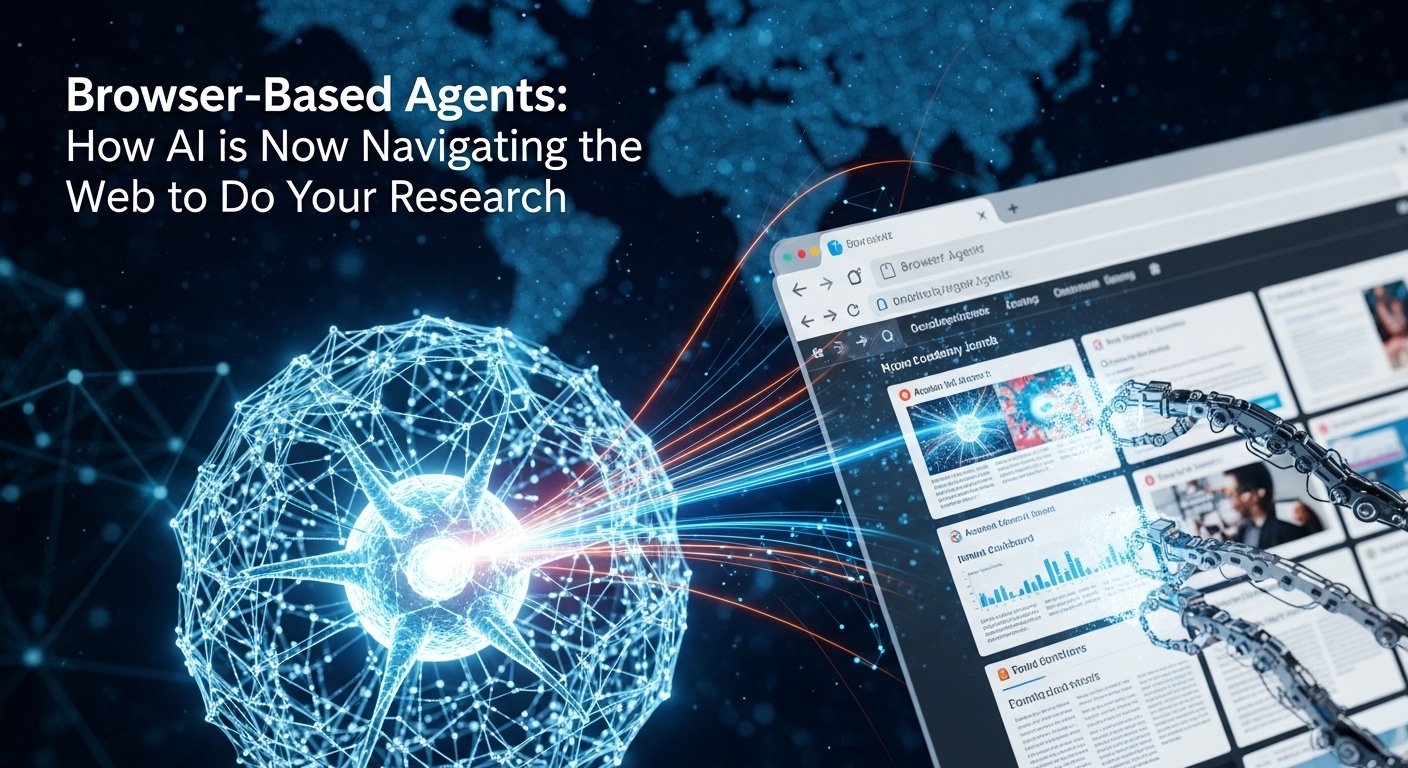
Browser-Based Agents: How AI is Now Navigating the Web to Do Your Research
Browser-Based Agents: Discover how browser-based AI agents are transforming online research. Learn about open-source tools like MolmoWeb, commercial solutions like Perplexity Comet and ChatGPT Atlas, and how to automate your web workflows in 2026.
The End of Endless Tabs
You know the ritual.
Open twenty tabs. Scan ten articles. Copy data into a spreadsheet. Open another ten tabs. Cross-reference findings. Switch back to the first tab because you forgot a detail. Repeat.
Hours vanish. Your eyes glaze over. And somewhere in that chaos, you might have missed the one insight that actually mattered.
Now imagine this instead: You type a single instruction—”Find all recent studies on renewable energy storage, compare their findings, and summarize the key trends.”—and an AI agent gets to work. It navigates to academic databases, searches for relevant papers, opens each one, extracts the key findings, compares methodologies, and delivers a structured report. All while you focus on something that actually requires your brain.

This is not a demo. This is not a future promise.
Browser-based AI agents are here. And they are already doing research for you.
What Is a Browser-Based AI Agent?
A browser-based AI agent is an autonomous system that can navigate and execute tasks on the web on your behalf . Unlike traditional automation tools that follow rigid, pre-scripted instructions, these agents see what you see—webpage screenshots, buttons, forms, and links—and decide what to do next based on that visual information .
The core idea is simple: Instead of you clicking through dozens of tabs, the AI agent can take care of much of that work for you .
Here is how they work under the hood:
| Component | What It Does | Example |
|---|---|---|
| Perception Layer | “Looks” at the webpage via screenshots or code | Identifies search boxes, buttons, and form fields |
| Decision Layer | Reasons about what to do next based on the task | “I need to type ‘climate change’ into this search box” |
| Action Layer | Executes browser actions | Click, type, scroll, navigate to URL |
| Loop | Repeats until task is complete | Observe → Decide → Act → Observe again |
Most agents today follow this simple loop until the task is done . The key difference between a browser agent and a classic automation script is flexibility. A script follows a fixed path: “Click X, type Y, click Z.” If anything changes—a button moves, a popup appears, the page loads slowly—the script breaks. An agent adapts. It sees what is on the screen and adjusts its plan in real time .
How Do They Actually Work? A Peek Under the Hood
To understand what these agents can and cannot do, it helps to know how they are built.
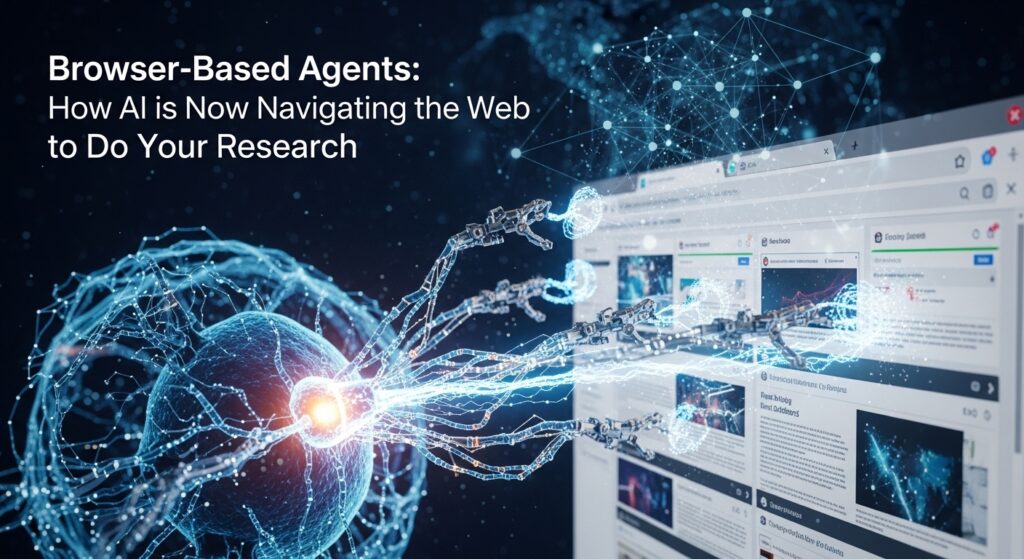
The Visual Approach: Seeing Like a Human
The most sophisticated agents—like Ai2’s MolmoWeb—operate purely on screenshots. They do not rely on the underlying HTML code (called the DOM), accessibility trees, or special APIs .
Why does this matter? Because working from screenshots is far more robust. A single screenshot is much more compact than a serialized page representation, which can consume tens of thousands of tokens . Visual interfaces also remain stable even when the underlying code changes. And because the agent reasons about the same interface you see, its behavior is easier to interpret and debug .
What actions can it take? MolmoWeb supports:
- Navigating to URLs
- Clicking at screen coordinates
- Typing text into fields
- Scrolling pages
- Opening or switching browser tabs
- Sending messages back to the user
The Training Data Challenge
Building these agents requires massive amounts of training data—specifically, examples of humans performing web tasks. The research team behind MolmoWeb created MolmoWebMix, a dataset that combines :
- 36,000 human task trajectories (the largest public dataset of human web task execution) across over 1,100 websites
- Synthetic trajectories generated by automated agents (scaling beyond what human annotation alone can provide)
- 2.2 million GUI perception question-answer pairs that teach the model to interpret webpage screenshots
All of this is being released open-source—weights, training data, code, and evaluation tools .
The Performance Reality
How good are these agents today? On standard web agent benchmarks, the numbers are impressive:
| Benchmark | What It Tests | MolmoWeb-8B Score |
|---|---|---|
| WebVoyager | General web navigation across 15 popular sites | 78.2% task completion |
| Online-Mind2Web | Diverse multi-step tasks across 136 websites | 35.3% (single rollout) |
| DeepShop | Complex shopping queries on Amazon | 42.3% |
| WebTailBench | Instruction-following reliability | 49.5% |
Here is the striking finding: MolmoWeb-8B outperforms agents built on much larger proprietary models like GPT-4o . Even the smaller 4B version beats leading open-weight models on key benchmarks .
Test-time scaling—running multiple independent agent rollouts and selecting the best result—dramatically improves performance. With this approach, the 8B model reaches 94.7% success on WebVoyager and 60.5% on Online-Mind2Web .
Beyond Research: What Else Can Browser Agents Do?
While this guide focuses on research, browser agents are general-purpose tools. Here are other applications already in production :
| Application | How Agents Help |
|---|---|
| Form Filling | Automatically populate forms with your saved information |
| Price Comparison | Scan multiple e-commerce sites to find the best deal |
| Travel Booking | Search flights, compare options, and book on your behalf |
| Email Management | Draft replies, schedule meetings, organize your inbox |
| Social Media | Schedule posts, engage with content, monitor mentions |
| Testing Automation | Execute UI regression and exploratory testing |
The 2026 AI Browser Landscape: Tools You Can Use Today
Several major players have entered the browser agent space. Here is what you need to know about each.
For Open-Source Enthusiasts: MolmoWeb
Who it is for: Developers, researchers, and anyone who wants full control over their AI agent.
What it is: An open-source visual web agent from the Allen Institute for AI (Ai2) that operates by interpreting webpage screenshots .
Key strengths:
- Fully open-source—weights, training data, code, and evaluation tools all available
- Can be self-hosted locally or on cloud services
- No reliance on proprietary APIs or models
- Available in 4B and 8B parameter sizes
Limitations to know: MolmoWeb is not trained on tasks that require logins or financial transactions due to safety and privacy concerns . Performance degrades as instructions become more ambiguous or involve many constraints .
Where to get it: Hugging Face and GitHub .
For Research-Heavy Workflows: Perplexity Comet
Who it is for: Anyone who needs deep research assistance across multiple sources.
What it is: An AI-powered browser from Perplexity that turns entire browsing sessions into conversational interactions .
Key strengths:
- Built specifically for research and multi-source information synthesis
- Personal AI assistant that automates multi-step web tasks and organizes information
- Smart search and contextual assistance for summarizing content and answering follow-ups
- Free to use
Ideal for: “Efficiently analyze content by asking questions, and getting concept explanations and image descriptions” .
For ChatGPT Power Users: ChatGPT Atlas
Who it is for: Existing ChatGPT users who want the assistant embedded across every webpage.
What it is: OpenAI’s AI-powered browser that places ChatGPT at the center of the browsing experience .
Key strengths:
- Integrated ChatGPT sidebar for summarizing content, comparing products, and analyzing data directly in any window
- Agent mode for task completion—ChatGPT can interact with websites under user control to complete multi-step tasks like researching or shopping from start to finish
- On-page assistance without leaving the site
Pricing: Free to try; agent mode requires a ChatGPT subscription ($20/month or higher) .
For Privacy-First Users: BrowserOS
Who it is for: Privacy-conscious users and developers who want local AI processing.
What it is: An open-source, privacy-first agentic browser that runs AI locally .
Key strengths:
- Natural-language task automation that turns instructions into repeatable local agents
- All AI operations stay on-device unless explicitly sent out
- Supports Ollama and user-supplied API keys
- Pre-installed MCP servers connect to Gmail, Calendar, Docs, Sheets, and Notion
Pricing: Fully open-source (AGPL-3 licensed) .
For Complete Automation: Opera Neon
Who it is for: Users who want true “AI does it for you” automation.
What it is: An AI-native, fully agentic browser that can act on your behalf—even while you are offline .
Key strengths:
- Can open tabs, conduct research, find deals, and deliver usable outcomes directly from your commands
- Can build websites, code games, draft reports, or create large projects, even continuing the work offline using cloud compute
- Cards system for faster prompting—create or use community-made Cards to streamline common tasks
How to Use Browser Agents for Research: A Practical Guide
Whether you choose an open-source agent or a commercial browser, the workflow for research is similar.
Step 1: Define Your Research Goal Clearly
Agents work best with specific, well-defined instructions. Compare these:
| Vague Instruction | Specific Instruction |
|---|---|
| “Research renewable energy” | “Find recent peer-reviewed studies on lithium-ion battery recycling efficiency published since 2024. For each study, extract the efficiency percentage, the number of charge cycles tested, and the methodology used.” |
Why this matters: Performance degrades as instructions become more ambiguous or involve many constraints .
Step 2: Let the Agent Navigate
Give your instruction to the agent and let it work. Most agents will show you their reasoning as they go—what they are looking at, what they are deciding, and what action they are taking .
This transparency is important. You can inspect the process and intervene if something goes wrong .
Step 3: Use Multiple Rollouts for Critical Research
The research is clear: running multiple independent agent rollouts and selecting the best result significantly improves performance .
For important research tasks, run the same query 2-4 times and compare the outputs. The difference between a single rollout and pass@4 on WebVoyager is 78.2% vs 94.7% .
Step 4: Chain Simpler Queries into Complex Workflows
Most agents cannot handle arbitrarily complex instructions in one go. But you can chain simpler queries, where each step picks up from the last browser state .
Example workflow:
- “Navigate to Google Scholar”
- “Search for ‘transformer neural network attention mechanism'”
- “Open the top three results”
- “Extract the abstract and key contributions from each paper”
- “Create a comparison table”
Step 5: Verify Critical Information
Agents are powerful but not perfect. For research that matters—academic work, business decisions, legal research—always verify the agent’s outputs against primary sources.
The current state-of-the-art on complex benchmarks like Online-Mind2Web is only 60.5% success with multiple rollouts . That means nearly 40% of tasks still fail or produce incomplete results.
Limitations You Need to Know
Browser agents are transformative, but they are not magic. Here are the real limitations in 2026:
Reading text from screenshots is error-prone. Purely vision-based models can make mistakes when reading text, especially with unusual fonts, poor contrast, or complex layouts .
Ambiguous instructions degrade performance. The more constraints and conditions you add, the harder the task becomes for the agent .
Certain actions remain challenging. Scrolling within a specific page element (like a nested scrollable panel) or drag-and-drop interactions are difficult for current models .
Login and financial tasks are not supported. Most agents are not trained on tasks requiring logins or financial transactions due to safety and privacy concerns .
Performance varies across websites. While models like MolmoWeb have been tested on hundreds of websites, your specific research targets may work better or worse depending on their complexity.
Safety mechanisms are still evolving. The hosted demos include safeguards—whitelisted websites, unsafe query rejection, blocking password fields—but these are specific to the demo environment rather than built into the models themselves .
The Future: What to Expect by 2027
The trajectory is clear and rapid.
Higher success rates: With test-time scaling already pushing WebVoyager success to 94.7%, expect similarly high performance on broader benchmarks within 12-18 months .
Multimodal reasoning breakthroughs: Research like Fotor’s Web-CogReasoner framework, accepted at ICLR 2026, is teaching AI to reason about webpages using three levels of knowledge: factual (identifying elements), conceptual (understanding page intent), and procedural (planning action sequences) .
Universal computer control: The same visual reasoning that powers browser agents is being extended to desktop software and mobile apps, enabling seamless workflow management across platforms .
In-situ assistance: Beyond autonomous navigation, agents will actively reconfigure interfaces to help you—highlighting relevant elements, reorganizing layouts, and providing contextual tooltips directly within the live page .
Lower costs and local deployment: As models become more efficient (already available in 4B and 8B sizes), running capable agents on consumer hardware will become routine .
Getting Started Today
You do not need to be a developer to start using browser agents.
For instant productivity: Download Perplexity Comet (free) or ChatGPT Atlas (free trial) and start with a simple research task. Type “Find three articles about [your topic], summarize each in one paragraph, and list the key takeaways.”
For developers and researchers: Clone MolmoWeb from GitHub or Hugging Face. Self-host the 4B model (runs on modest hardware) and experiment with custom tasks. The full training code and evaluation harness are available, so you can fine-tune on your specific use cases .
For privacy-focused users: Install BrowserOS and run everything locally. Connect your own LLM through Ollama. Automate research without any data leaving your machine .
For test automation: The same technology is revolutionizing QA. Browser agents can execute exploratory testing, automatically generate test flows, and validate UI behavior without writing brittle scripts .
Frequently Asked Questions
Q: Do I need to be a programmer to use browser agents?
A: No. Commercial tools like Perplexity Comet and ChatGPT Atlas require no coding. Open-source options like MolmoWeb require some technical setup but are designed for accessibility .
Q: Can browser agents log into my accounts?
A: Most are explicitly not trained on login or financial tasks for safety reasons. Some commercial browsers support this with user supervision, but you should be cautious .
Q: How much do these tools cost?
A: Perplexity Comet is free . ChatGPT Atlas is free to try; agent mode requires a $20/month ChatGPT subscription . BrowserOS is open-source and free . MolmoWeb is open-source and free .
Q: How accurate are they for academic research?
A: On general web navigation, success rates reach 78-95% depending on complexity . For specialized academic databases, performance varies. Always verify outputs against primary sources.
Q: Can they handle paywalled content?
A: No. Agents respect paywalls the same way you would—they cannot bypass subscription requirements.
Q: What is the difference between a browser agent and a traditional web scraper?
A: A scraper follows fixed rules to extract specific data from known page structures. An agent sees the page like a human and adapts to changes, making it far more flexible .