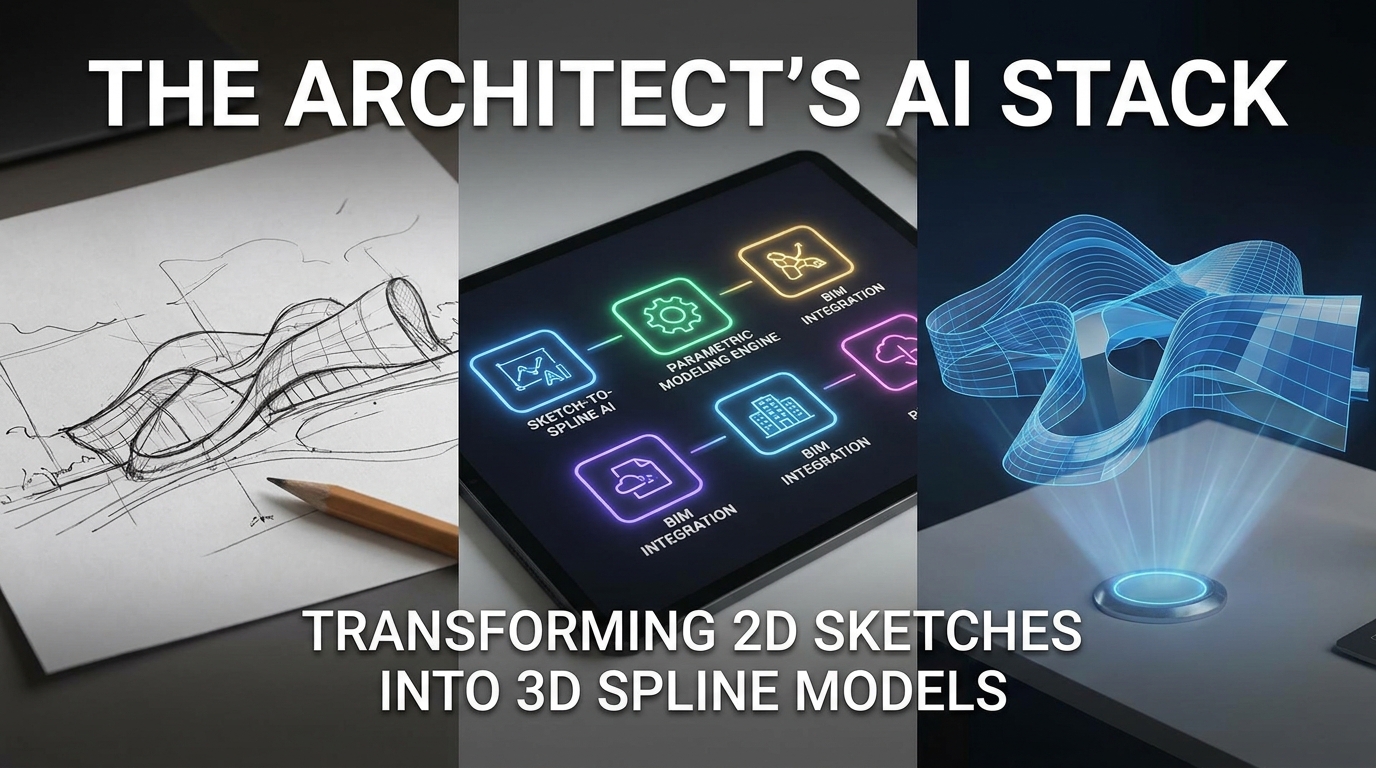
The Architect’s AI Stack: Transforming 2D Sketches into 3D Spline Models
Discover how to convert 2D sketches and images into professional 3D Spline models using AI. Learn the complete workflow from image upload to interactive 3D scenes for web, game, and product design.
The Hand-Drawn Renaissance
You have a sketch on a napkin. A quick perspective drawing in a notebook. A mood board image saved from Pinterest.
Traditionally, transforming that 2D vision into a 3D model meant hours—sometimes days—of manual modeling. Extruding, beveling, texturing, lighting. The gap between concept and 3D reality was measured in software subscriptions and steep learning curves.
That gap just closed.
Spline—the browser-based 3D design tool—has introduced AI capabilities that convert 2D images and text prompts directly into editable 3D models . Combined with their experimental Spell technology for generating entire 3D worlds from single images, the architect’s workflow has fundamentally shifted .
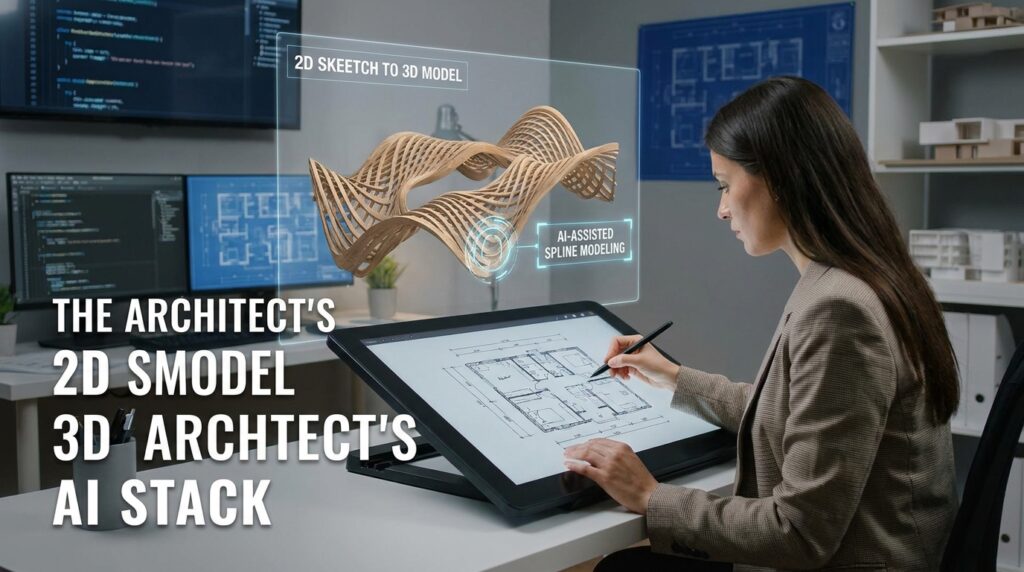
This guide walks you through the complete AI stack for transforming 2D sketches into production-ready 3D Spline models—no traditional modeling expertise required.
What Is Spline?
Before diving into the AI workflow, understanding the platform is essential. Spline is a cloud-based, collaborative 3D design tool that runs entirely in your browser . No high-spec hardware required. No installations. No render farms.
Think of it as Figma for 3D—real-time, collaborative, and accessible to designers without traditional 3D modeling backgrounds.
Who uses Spline?
| User Type | Primary Use Case |
|---|---|
| Designers & Artists | Product visualization, art, 3D assets |
| Game Developers | Characters, environments, props |
| Marketers | Promotional 3D visuals, ads |
| Architects & Engineers | Rapid prototyping, structural visualization |
| Educators & Students | Learning 3D concepts without complex software |
Spline has attracted significant attention in the AI space. The company is a participant in Google’s AI Futures Fund, and they are actively prototyping integration with Gemini 2.5 Pro Preview for their new Hana canvas editor—aiming to generate entire interactive 2D/3D experiences from text descriptions .
The AI Stack: Three Paths from 2D to 3D
Spline offers multiple AI-powered paths for converting 2D inputs into 3D assets. Each serves a different use case.
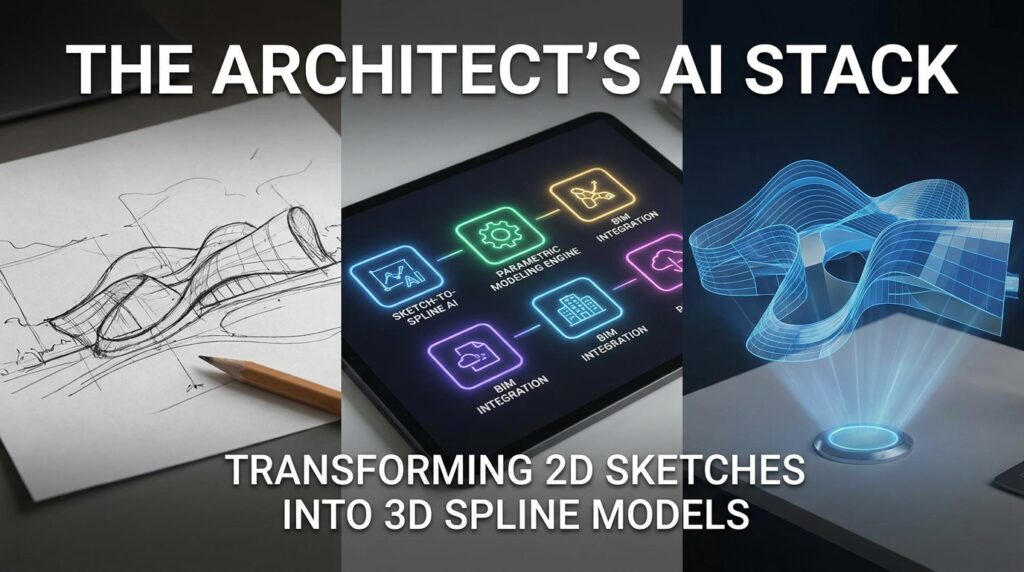
Path 1: Image to 3D (Direct Conversion)
The most straightforward method: upload a 2D image, receive a 3D model.
How it works: Spline’s AI analyzes the uploaded image, uses algorithms to estimate depth and structure, then constructs a 3D representation of the depicted scene or object .
Best for: Front-facing product images, icons, logos, and objects with clear silhouettes.
Pro tip: For better results, the image should be a front-facing view of the object. Abstract or overly complex shapes might not produce good results yet .
The workflow:
- Navigate to Spline’s AI Generator
- Upload your 2D image
- Optionally combine with a text prompt for additional specifications
- Generate and receive 3-4 variant models
- Select, refine, and export
Path 2: Text + Image Combined Prompts
This hybrid approach leverages both inputs: the image provides visual reference, while the text specifies details that might not be clear or visible in the image .
Example prompt: “A low-poly red ceramic coffee mug with handle, front view, white background”
Why combine? A sketch might show the basic shape, but the text can specify materials, lighting conditions, or stylistic choices—”industrial metal finish,” “soft ambient occlusion,” “pixel art style.”
Path 3: Spell AI for Complete 3D Worlds
For architects and environment designers, Spell represents a quantum leap. Released by Spline in early 2025, Spell is an experimental AI model that generates entire 3D scenes or “Worlds” from a single image .
What Spell does:
- Creates multi-view consistent 3D volumes from one input image
- Simulates physical material properties (reflections, refractions, surface roughness)
- Renders from multiple angles with high accuracy
- Generates controlled camera paths through the scene
- Handles people, objects, environments, and 3D characters
Technical foundation: Spell is a diffusion model trained on a combination of primarily real data (captured from real life) complemented with synthetic data (digitally rendered 3D data). The Spline team built their own extensive dataset by manually capturing real-world data across different countries .
Current status: Spell is highly experimental and intended for early adopters. Pricing is intentionally high during this phase to manage GPU costs, and the model is separate from the main Spline Editor pricing .
What Spell does NOT do (yet): Export directly to mesh formats. Currently, outputs are videos, image sequences, or Gaussian Splatting volumes—though these volumes can be converted to meshes using reconstruction techniques .
Complete Workflow: From 2D Sketch to 3D Model
Here is the end-to-end process for transforming your 2D sketch into a production-ready 3D Spline model.
Phase 1: Prepare Your Input
For Image to 3D:
- Use a front-facing, well-lit image
- Ensure clear subject-background contrast
- Keep the composition simple (one main object)
- Resolution: 1024×1024 or higher recommended
For Spell World Generation:
- Images with well-defined shapes work best
- Avoid abstract or overly complex compositions
- Single clear subject with distinct geometry
Phase 2: Generate in Spline
Access the AI Generator:
- Visit spline.design and log in
- Click “New Project” and select “AI Scene” template
- Navigate to the AI Generator interface
For Image to 3D:
- Upload your prepared image
- (Optional) Add a text prompt to specify materials, style, or details
- Click “Generate”
- Wait approximately 45 seconds
- Review the 3-4 variant models generated
For Text + Image Combined:
- Type your descriptive prompt in English (Spline AI works best with English prompts)
- Upload your reference image
- Generate and review variants
Phase 3: Refine in the Spline Editor
Generated models rarely emerge perfect. The Spline Editor allows refinement:
Basic adjustments:
- Select any component and modify geometric parameters in the properties panel
- Adjust depth, curvature, or dimensions
- Replace materials or adjust existing ones
Material and lighting:
- Modify material properties (roughness, metalness, color)
- Adjust camera angles and perspective
- Add or modify lighting sources
For AI-generated scenes: The system returns a 3D canvas with material placeholders, camera views, and basic lighting already in place .
Phase 4: Export for Production
Spline supports multiple export formats depending on your end use:
| Format | Best For | Export Settings |
|---|---|---|
| GLB | Unity, Three.js, Blender | Include Materials, Embed Textures |
| Web Export | Direct web embedding | No watermark (paid plans) |
| iOS/Android | Mobile apps | Requires Professional or Team plan |
| Code Export | Custom web integration | HTML/CSS/JS package |
For Blender users: Export as GLB with materials and textures embedded, then import directly .
Advanced Techniques: Hana and Interactive 3D
Spline recently launched 3D for Hana—a new canvas that blends 2D and 3D in real-time within the same workflow .
What makes Hana different:
Designers can now non-destructively convert any 2D shape into a 3D model. The original vector path, Boolean operation, and layout structure remain editable, and the 3D representation updates simultaneously .
Key capabilities:
- Real-time 2D vector editing alongside 3D modeling
- Layout systems that work across both dimensions
- Interactive events and animations tied to 3D objects
- One-click conversion from 2D shapes to 3D models
- Output embeddable directly into websites or applications
For architects and product designers: Hana lowers the threshold for experimenting with 3D. You can design an interface in 2D, convert elements to 3D with one click, and preview the interactive experience—all in the same canvas .
The Gemini integration: Spline is prototyping with Google’s Gemini 2.5 Pro Preview to power Hana’s text-to-experience capability. The goal is to allow users to describe interactive elements, scene context, shaders, and game mechanics in plain language—and have Hana generate the underlying logic .
Pricing and Access
Spline operates on a freemium model with tiered plans :
| Plan | Monthly Price | Key Features |
|---|---|---|
| Free | $0 | Limited personal files, web exports with watermark, library access |
| Starter | $15 | Up to 2 editors, no watermark, video upload, higher resolution exports |
| Professional | $25 | Unlimited editors, unlimited folders, Apple & Android exports, code exports |
| Team | $45 | Shared workspace, unlimited team files, all Professional benefits |
AI Add-on: The AI 3D Generation features require the Spline AI Add-on subscription, which can only be added to active Professional and Team plans. Generating assets has associated costs for image previews and mesh generation .
Spell Access: Spell is currently separate from the main Spline Editor pricing, with intentionally higher pricing during its experimental phase to manage GPU costs. This structure will likely change as the model matures .
Comparison: Spline vs. Alternative AI 3D Tools
Spline is not the only player in AI 3D generation. Here is how it stacks up:
| Tool | Input Types | Output Formats | Best For |
|---|---|---|---|
| Spline AI | Text, 2D image, text+image | GLB, Web, iOS, Android, code | Designers, web integration |
| Kaedim | 2D image | OBJ with topology optimization | Batch processing, game assets |
| Luma AI | Phone scans + text | NeRF + Mesh dual mode | Real-world capture to 3D |
| Meshy | Text, image | Multiple formats | Quick concept generation |
Spline’s unique advantage: The browser-based, collaborative editor that allows immediate refinement of AI-generated assets. You are not just generating a model; you are generating into an editable scene .
Limitations and Realistic Expectations
As with any emerging technology, Spline’s AI has constraints:
AI-generated assets often need manual refinement. The AI gets you 80% of the way—sometimes 90%—but rarely 100%. Plan to spend time in the editor adjusting geometry, materials, and lighting .
Browser limitations affect complex scenes. Very large or highly detailed scenes may experience performance issues. Spline is cloud-based, but your browser still renders the result .
Spell is experimental. While impressive, Spell is not yet production-ready for all use cases. Outputs are currently volumes (Gaussian Splatting) rather than traditional meshes, though conversion is possible .
Image quality matters. The AI works best with clear, front-facing images of objects with distinct shapes. Abstract sketches or poor reference images yield poor results .
English prompts recommended. Spline AI processes prompts most reliably in English .
Practical Applications for Architects and Designers
How are professionals using this AI stack today?
Concept visualization: Sketch a building facade on paper. Photograph it. Upload to Spline. Generate a 3D massing model in minutes rather than hours.
Client presentations: Take a client’s reference image of a “modern library with glass dome” and generate a 3D scene they can orbit and explore—before committing to detailed modeling .
Design iteration: Generate 4 variants from the same prompt. Compare. Remix. Iterate. The AI handles the heavy lifting while you focus on design decisions.
Interactive portfolios: Export generated models as web-embeddable 3D scenes. Let potential employers or clients interact with your concepts directly in the browser.
Product design: Upload a product sketch. Generate a 3D model. Refine materials. Embed on a product landing page—all without leaving Spline.
Getting Started Today
Step 1: Create a free account
Visit spline.design and sign up for the free tier. This gives you access to basic features and the ability to test workflows.
Step 2: Prepare a test image
Find or sketch a simple front-facing object. A coffee mug. A chair. A building elevation. Keep it simple for the first test.
Step 3: Generate your first model
Navigate to the AI Generator, upload your image, and generate. Expect 3-4 variants. Choose the best one.
Step 4: Explore the editor
Click on the generated model. Adjust properties. Change materials. Add lighting. Orbit the camera. Get comfortable with the interface.
Step 5: Export
Export as GLB and open in Blender or another 3D tool. Or export as a web embed and share the link.
Step 6: Upgrade if needed
If you find value, consider the Professional plan ($25/month) plus the AI Add-on for full access to generation features.
The Future: From 2D to Interactive Worlds
The trajectory is clear. Spline is moving from generating individual 3D objects to generating entire interactive experiences .
With Gemini 2.5 integration in Hana, the future workflow might look like this:
- Type: “A retro arcade game where the player controls a spaceship to dodge asteroids, with a score counter”
- Generate: Hana produces an interactive 2D/3D scene with game logic
- Refine: Collaborate with team members in real-time within the canvas
- Publish: Embed directly on the web
For architects and designers, this means moving from static 3D models to interactive spatial experiences—generated from nothing more than a sketch and a description.
Frequently Asked Questions
Q: Do I need 3D modeling experience to use Spline AI?
A: No. The AI handles generation. Basic editor skills help for refinement, but the learning curve is much gentler than traditional 3D software .
Q: What image formats does Spline AI accept?
A: Standard web image formats (JPG, PNG). The image should be front-facing with clear subject definition .
Q: How long does generation take?
A: Approximately 45 seconds for standard 3D generation . Spell world generation may take several minutes.
Q: Can I use Spline AI commercially?
A: Yes, with the appropriate paid plan. Free tier exports include watermarks .
Q: Does Spline AI work on mobile?
A: Spline runs in the browser, but the AI generation and 3D editor are optimized for desktop use.
Q: What is Spell and how is it different from standard Spline AI?
A: Spell generates entire 3D worlds from a single image, represented as Gaussian Splatting volumes. Standard Spline AI generates individual 3D objects as traditional meshes .