NotebookLM for Professionals: How to Turn Your Boring Documents into Interactive Podcasts
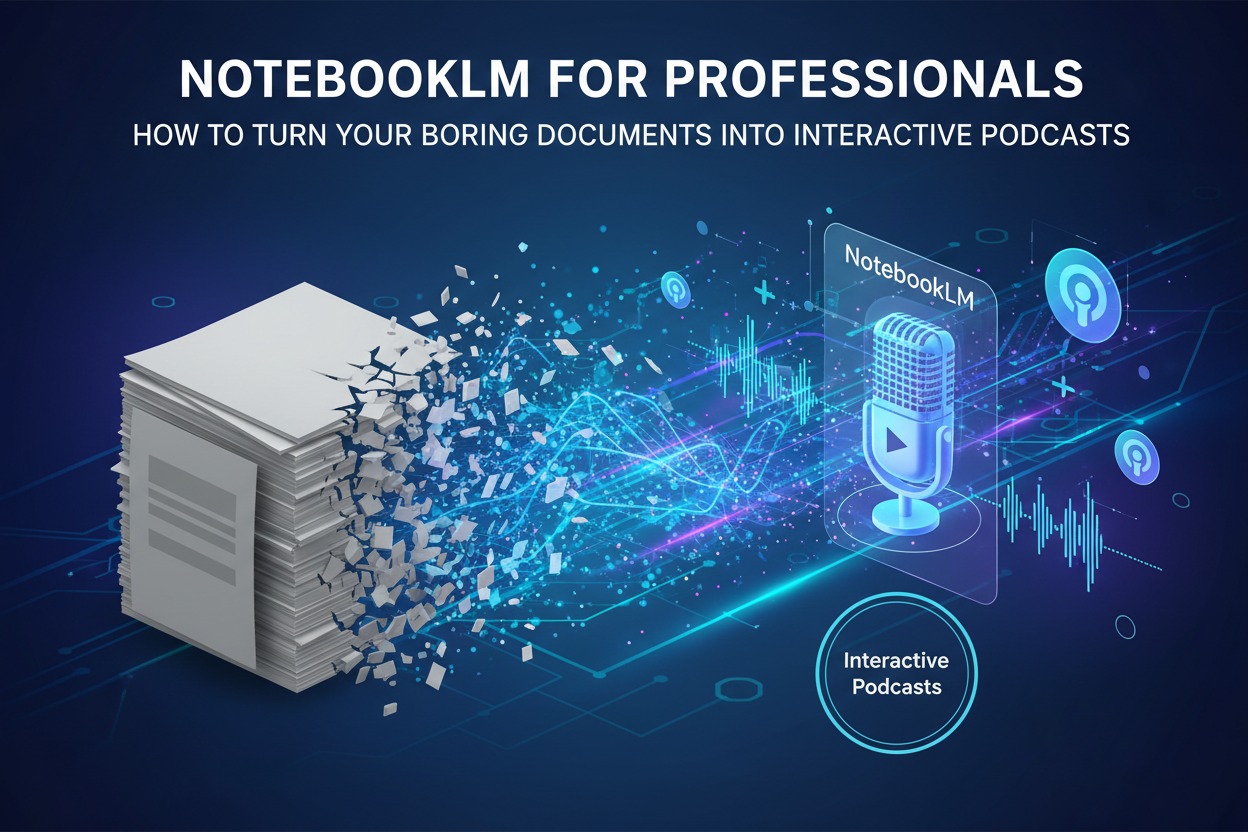
NotebookLM for Professionals: In 2026, the most significant productivity hack isn’t a new way to write—it’s a new way to listen. Google’s NotebookLM has transitioned from an experimental research tool into a “cognitive bypass” for professionals drowning in long-form documentation.
With the 2026 update, the Audio Overview feature (famously known as the “AI Podcast”) has moved beyond passive listening into a fully interactive experience. Here is how to turn your quarterly reports, legal briefs, or technical manuals into an engaging, high-fidelity audio briefing.
The Professional Workflow: From PDF to Podcast
The “magic” of NotebookLM is that it is source-grounded. Unlike standard AI, it doesn’t hallucinate from the general internet; it only “knows” what you upload.
1. Curate Your “Source Brain”
A notebook can now hold up to 50 sources (on the free tier) or up to 600 sources (on the Ultra tier).
- Input Types: You can upload PDFs, Google Docs, Slides, website URLs, and even ePub files (new for 2026).
- Pro Tip: Include different types of media. Upload a 50-page industry report alongside a transcript of a recent team meeting and a competitor’s YouTube video. This gives the AI a 360-degree view of the topic.
2. Generate the “Deep Dive”
In the Studio panel on the right, click Generate under Audio Overview.
- Refined Customization: Before you click, you can now provide specific “instructions” for your AI hosts.
- Example: “Focus specifically on the cost-saving measures mentioned in the Q3 report and explain them like I’m a high-level executive.”
- Example: “Create a debate between the two hosts about the risks and rewards of this new expansion plan.”
3. Interactive Mode: “Join” the Conversation
This is the breakthrough feature of 2026. While the two AI hosts are discussing your document, you can click the “Join” button to enter Interactive Mode.
- Real-Time Interruption: If the hosts mention a data point you don’t understand, you can interrupt them. Ask, “Wait, can you explain the methodology behind that revenue forecast?”
- Dynamic Response: The AI hosts will stop their pre-planned banter, answer your specific question using your sources, and then seamlessly transition back into the flow of the podcast.
3 High-Impact Professional Use Cases
| Use Case | Documents to Upload | The “Podcast” Value |
| Executive Briefing | Quarterly Business Reviews (QBRs), Financial Summaries, Strategy Memos. | Turn a 2-hour read into a 15-minute high-energy briefing for your morning commute. |
| Competitive Analysis | Analyst reports, competitor whitepapers, and customer interview transcripts. | Hear two “analysts” argue about your competitor’s weaknesses and where you have the advantage. |
| Role Onboarding | Standard Operating Procedures (SOPs), team handbooks, and past project retrospectives. | New hires can “listen” to the company’s history and SOPs, asking the AI hosts questions as they learn. |
Pro-Tips for 2026
- Background Playback: You can now listen to the podcast while continuing to query your sources in the center chat panel. If the hosts say something interesting, you can instantly ask the chat to “show me the exact citation for that.”
- Multilingual Support: As of late 2025, NotebookLM supports over 80 languages. You can upload documents in Japanese and listen to an English podcast summary—or vice versa.
- Export to Gemini: For complex tasks, use the “+” button in the Gemini app to import your entire NotebookLM notebook. This allows you to generate images, videos, or full pitch decks based on the synthesis the podcast just gave you.
The “Zero-Hallucination” Guarantee
Because NotebookLM provides inline citations (clickable numbers) for every claim made in the chat and podcast, you can verify facts in seconds. If a host says, “The project is 20% over budget,” you can click the citation to see the exact row in your uploaded spreadsheet.