
Midjourney v7 Masterclass: 10 Secret Prompts for Photorealistic Portraits
Midjourney v7 Masterclass: With the arrival of Midjourney v7 in 2025 and its refinements into 2026, the “uncanny valley” of AI art has officially been bridged. We are no longer looking at “plastic” skin or distorted hands. V7 introduces Omni Reference (–oref) and a vastly improved Personalization engine that allows for photography so real, it’s indistinguishable from a high-end DSLR.
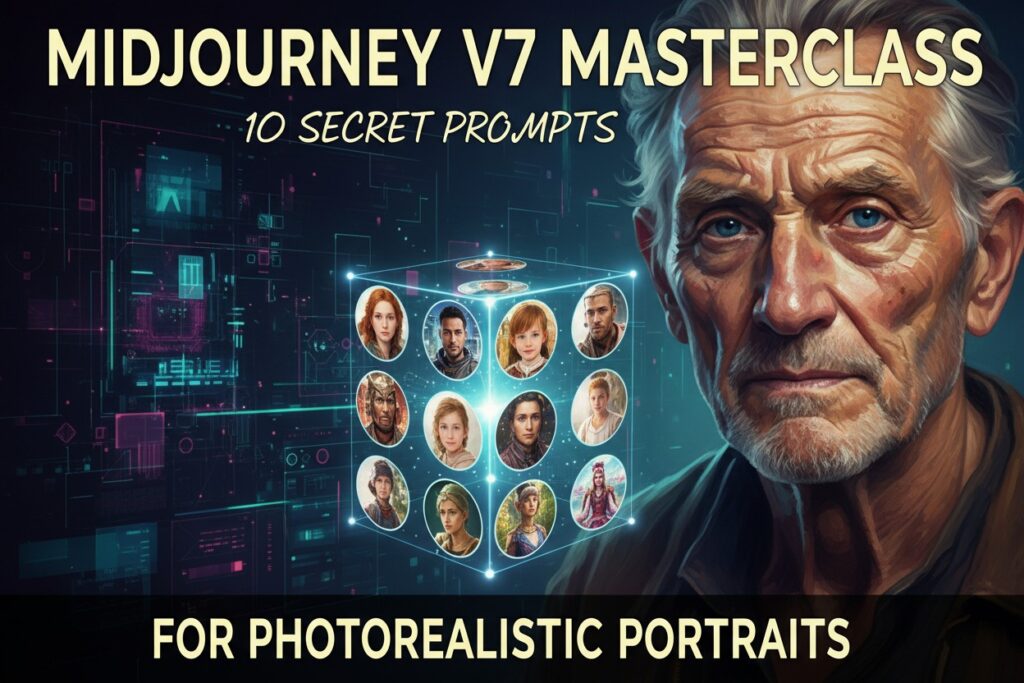
If you want to move beyond basic prompts, you need to understand the “secret” syntax of V7. Here are 10 master-level prompts for stunning portraits.
1. The “Raw Textures” Prompt
Standard AI often smooths skin too much. In V7, we use “imperfection” keywords to force realism.
Prompt:
/imagine a close-up portrait of an elderly fisherman, weathered skin with visible pores and sunspots, salt-and-pepper beard, hyper-realistic, 8k resolution, shot on Sony A7R IV, 85mm lens --v 7 --style raw
2. The “Candid iPhone” Aesthetic
Sometimes, “perfect” lighting looks fake. This prompt mimics a real smartphone photo.
Prompt:
/imagine a candid selfie of a young woman laughing in a crowded cafe, messy hair, natural indoor lighting, slight motion blur, shot on iPhone 15 Pro, unedited --v 7 --ar 9:16
3. The “Cinematic Noir” Lighting
V7 handles shadows with incredible depth. Use this for dramatic, high-contrast character studies.
Prompt:
/imagine a man in a tuxedo standing in a rainy alleyway, dramatic chiaroscuro lighting, rim light, reflections on wet pavement, cinematic atmosphere, 35mm film grain --v 7 --ar 2:3 --stylize 250
4. The “Golden Hour” Glow
Perfect for lifestyle and fashion photography.
Prompt:
/imagine a fashion model in a linen dress standing in a wheat field, golden hour backlight, soft lens flare, ethereal mood, Kodak Portra 400 aesthetic --v 7 --ar 4:5 --sw 200
5. The “Omni Reference” Identity
In 2026, –oref replaces the old character reference. Use it to keep a face consistent.
Prompt:
/imagine https://ludwig.guru/s/according+to+your+subject a man wearing a futuristic flight suit, cinematic lighting, high detail --oref [URL] --cw 80 --v 7
6. The “Macro Detail” Eye Close-up
Showcase V7’s ability to render complex reflections.
Prompt:
/imagine extreme macro photography of a human eye, iris details, reflection of a city skyline in the pupil, hyper-detailed, sharp focus --v 7
7. The “Studio Editorial” Look
Perfect for clean, professional brand visuals.
Prompt:
/imagine a high-fashion editorial portrait, minimalist gray background, soft diffused studio lighting, sharp eyes, neutral expression, high-end retouching --v 7 --ar 2:3
8. The “Cyberpunk Neon” Portrait
V7 excels at rendering colored light reflecting off skin.
Prompt:
/imagine a cyberpunk hacker in a neon-lit room, purple and cyan rim lighting, digital HUD reflections in glasses, volumetric fog, intricate tech details --v 7 --ar 16:9
9. The “Street Photography” Snapshot
Focuses on “Burstiness”—sentences that describe movement.
Prompt:
/imagine a street musician playing guitar in New York City, blurred pedestrians in background, daytime sunlight, gritty urban texture, candid moment, Leica M11 style --v 7 --ar 3:2
10. The “Historical Tintype”
V7 isn’t just for modern photos; it can perfectly replicate old chemical processes.
Prompt:
/imagine a 19th-century soldier portrait, authentic tintype photography, chemical stains, scratched glass plate, monochrome, historical accuracy --v 7 --stylize 500
V7 Technical Secrets for 2026
- Use –style raw: This bypasses Midjourney’s “artistic” default and forces it to look more like a raw camera file.
- The “Negative” Trick: If skin looks too smooth, add
--no plastic, smooth skin, airbrushedto the end. - Style Weight (–sw): In V7, the style weight parameter ranges from 0–1000. For portraits, keeping it between 100–300 ensures the AI doesn’t get “too creative” with the facial structure.
- Personalization: If you’ve completed your 200-image ranking on the Midjourney site, always add –p to your prompts to apply your unique aesthetic taste.

Summary Table: Which Parameter to Use?
| Goal | Parameter | Value |
| Identity Consistency | --oref [URL] | High --cw for clothes, Low for just face. |
| Realistic Textures | --style raw | Default for photography. |
| Artistic Freedom | --stylize | 0 (Literal) to 1000 (Creative). |
| Aspect Ratio | --ar | 2:3 for portraits, 16:9 for cinematic. |
Q & A
Q1: What is the Midjourney v7 Masterclass about?
A1: The Midjourney v7 Masterclass focuses on teaching advanced techniques to create photorealistic portraits using Midjourney v7, including 10 secret prompts that enhance image quality and realism.
Q2: Who should attend the Midjourney v7 Masterclass?
A2: This masterclass is ideal for digital artists, photographers, graphic designers, and anyone interested in mastering photorealistic portrait creation with AI tools.
Q3: What are the 10 secret prompts mentioned in the masterclass?
A3: The 10 secret prompts are specially crafted input commands designed to optimize Midjourney v7’s capabilities, helping users generate highly detailed and lifelike portrait images.
Q4: How does the masterclass improve my skills in photorealistic portrait creation?
A4: The masterclass provides step-by-step guidance on using the secret prompts, explains best practices for lighting, composition, and texture, and shares insider tips to achieve stunning photorealistic results.
Q5: Is prior experience with Midjourney or AI art tools required to join the masterclass?
A5: While some basic familiarity with Midjourney or AI art tools is helpful, the masterclass is designed to be accessible for beginners and intermediate users, providing clear instructions to get started quickly.