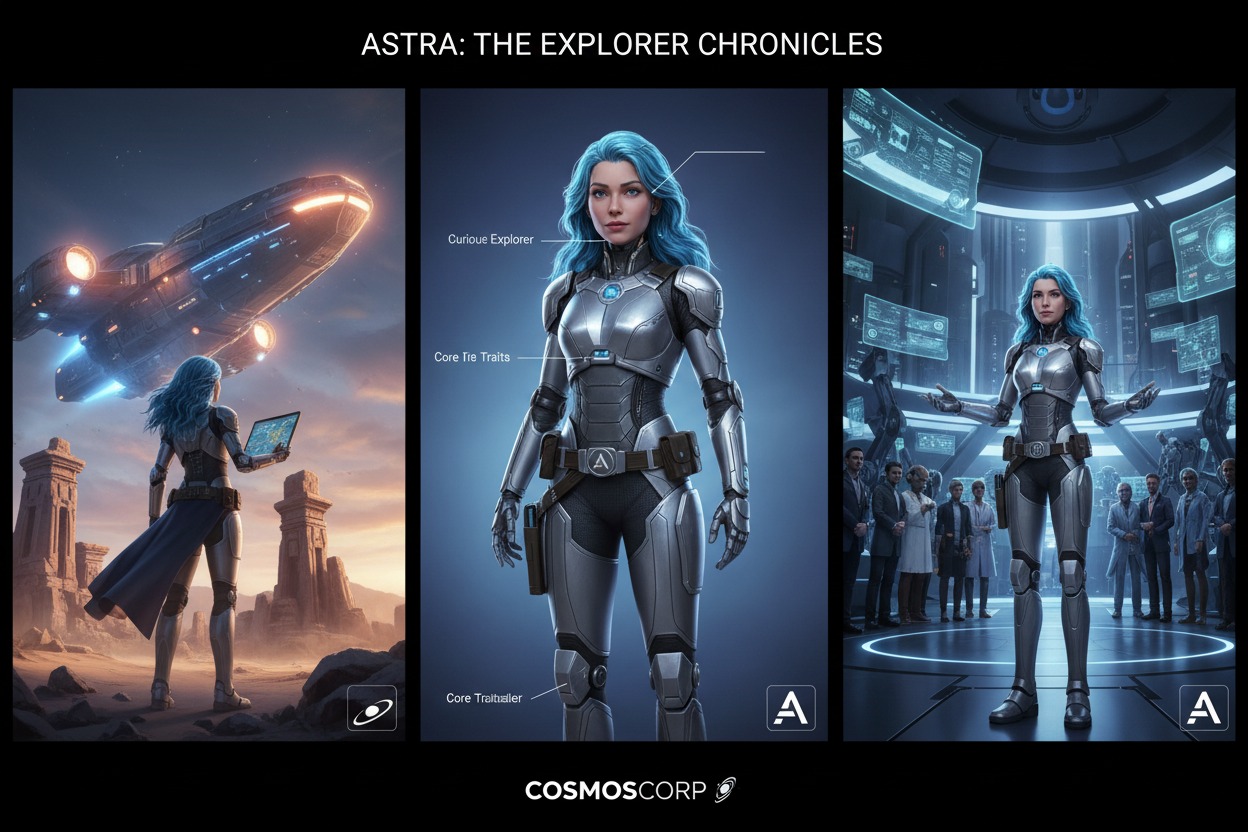
How to Create Consistent AI Characters for Brand Storytelling
How to Create Consistent AI Characters for Brand Storytelling: In 2026, the challenge of “character drifting”—where an AI-generated person looks different in every shot—has been solved by a new generation of Identity-Locking tools. For brand storytelling, this means you can now create a “Virtual Brand Ambassador” who remains 100% consistent across your website, social media, and video campaigns.
Here is the 2026 technical blueprint for building and maintaining consistent AI characters.
Step 1: The “Character Bible” (DNA Phase)
Consistency starts with a strict verbal definition. In 2026, professional creators use Identity DNA prompts to lock the model’s “mental image.”
- Physical DNA: Hair (texture/color), eyes, skin tone, and one “Anchor Feature” (e.g., a specific gap between teeth, a unique birthmark, or distinct glasses).
- Signature Style: Always define the Medium (e.g., “Photorealistic 8k,” “Pixar-style 3D,” or “Analog 35mm film”).
- The “Never” Rules: Crucial for 2026 models. “Never change the hair length; never add patterns to the shirt; never remove the silver watch.”
Step 2: Choose Your Consistency Engine
Depending on your platform, use the following native “Locking” parameters:
| Platform | 2026 Consistency Method | How to Use It |
| Midjourney v7 | --cref (Character Reference) | Paste your “Master Image” URL after your prompt followed by --cref [URL]. Use --cw 100 for total clothing/face lock or --cw 0 for face-only. |
| Flux 1.1 Pro | Asset Binding | Upload your character sheet. The model assigns a unique “Mathematical Fingerprint” to that face, which you can call with a custom tag (e.g., @Brand_Milo). |
| Leonardo.Ai | Character Reference Tool | Select “Character Reference” in the generation sidebar and upload 3 angles (front, 3/4, side) to lock the geometry. |
| Sora 2 / Veo 3 | Cameo System | In video generation, use the “Cameo” feature to upload a still image. The AI will project that face onto the video motion with 98% accuracy. |
Step 3: Create a “Multi-Angle” Reference Sheet
Don’t rely on a single image. Generate a Character Sheet first.
- Prompt: “A character sheet of [Character Description], three views: front view, side profile, and 3/4 view. Neutral white background, flat lighting.”
- Why it works: By giving the AI a 360-degree understanding of the character’s bone structure, you prevent the face from “warping” when the character turns around in a video or different pose.
Step 4: Maintaining Consistency Across Video
In 2026, video is the ultimate test. Tools like Kling 3.0 and Luma Ray 2 now support Multi-Shot Persistence.
- First-Frame Grounding: Upload your master character image as the “First Frame.”
- Timeline Prompting: Use the 2026 “Keyframe” feature.
- 0s: Character is smiling at the camera.
- 5s: Character turns and walks toward the sunset.
- Visual Anchors: If the face starts to drift, use the “Face Switch” or “Vary Region” tools in post-production to re-apply the master reference face over the generated video.
Step 5: Professional Brand Workflow (The 2026 Pipeline)
- Generate the “Hero” Image: Create the perfect version of your character in Flux 1.1 Pro (best for realism).
- Upscale for Detail: Use an AI Upscaler to sharpen facial features so the AI has more “data” to reference.
- Build a Folder of “Poses”: Generate the character in 10 standard brand poses (sitting at a desk, holding the product, pointing at a screen).
- The “Style Reference” Lock: Use the
--sref(Style Reference) parameter in Midjourney alongside your character lock to ensure the lighting and color palette always match your brand’s hex codes.
Pro-Tips for Storytelling
- The “Age Up” Hack: In 2026, you can “age” your character for long-term storytelling. Use your reference image but add the prompt modifier: “20% older, slight grey at temples.”
- Consistent Outfits: If your character is a brand mascot, define their “Uniform” in your character sheet. AI handles “Red Polo with White Logo” much better than “Casual Clothing.”