From Sketch to 3D: Using Spline AI to Create Interactive Web Graphics
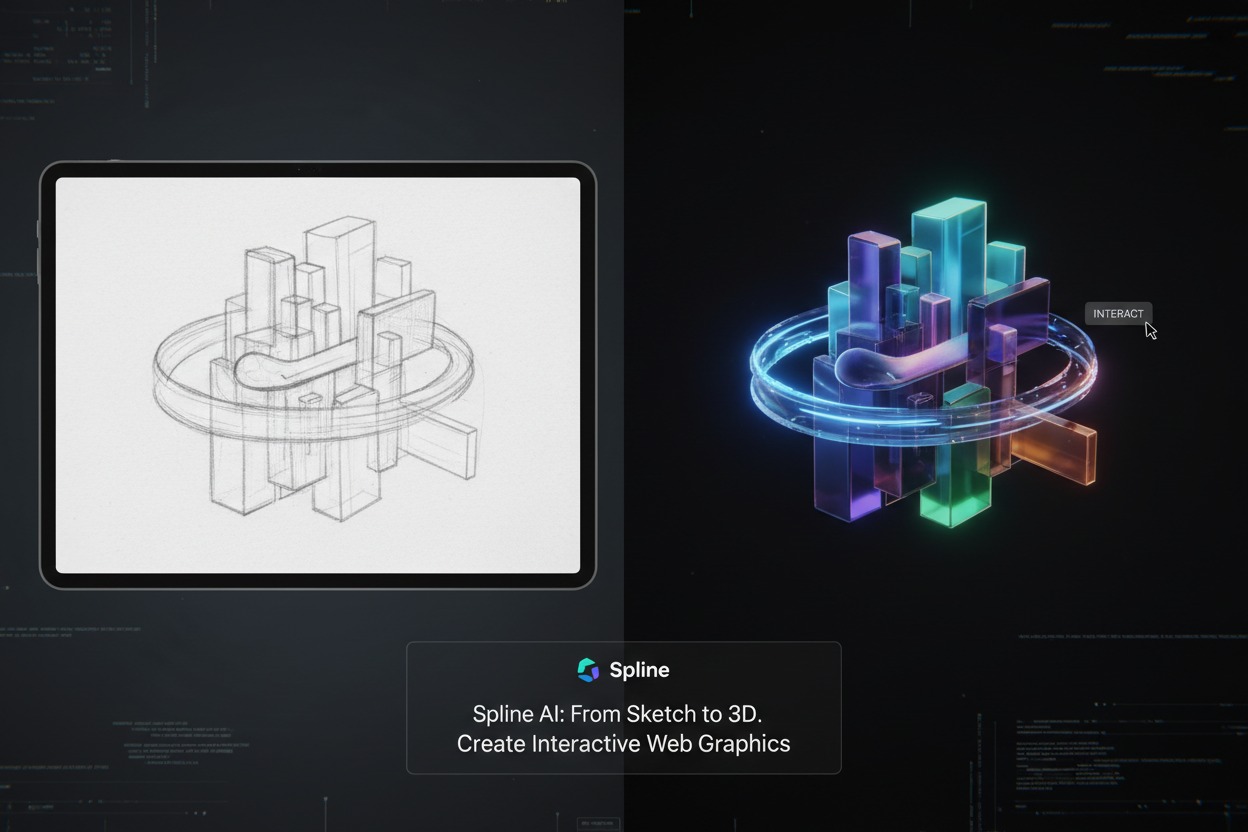
From Sketch to 3D: In 2026, the barrier between a 2D designer and a 3D developer has completely dissolved. We have moved past the era where adding a 3D element to a website meant hiring a specialized WebGL developer or struggling with complex Three.js codebases.
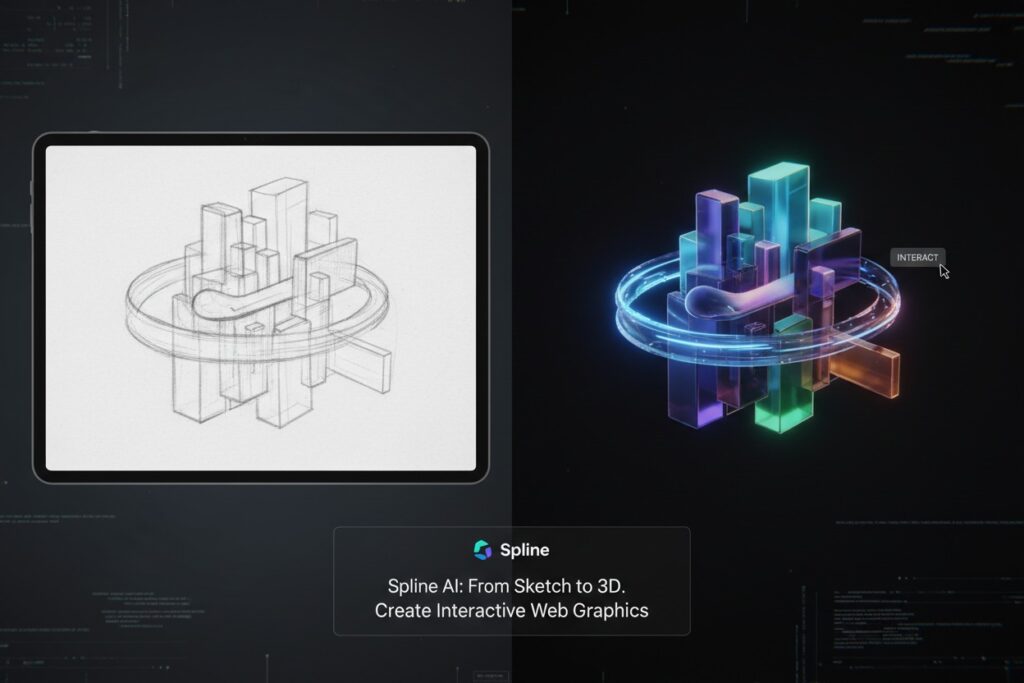
The catalyst for this shift is Spline AI. By combining a browser-based, no-code interface with generative AI, Spline has made creating interactive 3D web graphics as intuitive as designing a UI in Figma. Here is how to take a simple sketch and turn it into a production-ready 3D web experience.
1. The “Prompt-to-Object” Workflow
In 2026, you no longer start with a blank digital void. Spline AI allows you to generate base geometry and materials using natural language.
- Step 1: The Prompt. Type a request like, “Create a futuristic, translucent glass chair with chrome legs and soft lavender lighting.”
- Step 2: Refinement. Spline AI generates a parametric 3D object. Unlike a static image, this is fully editable geometry. You can select individual vertices, change the material properties (like roughness or metalness), and tweak the lighting in real-time.
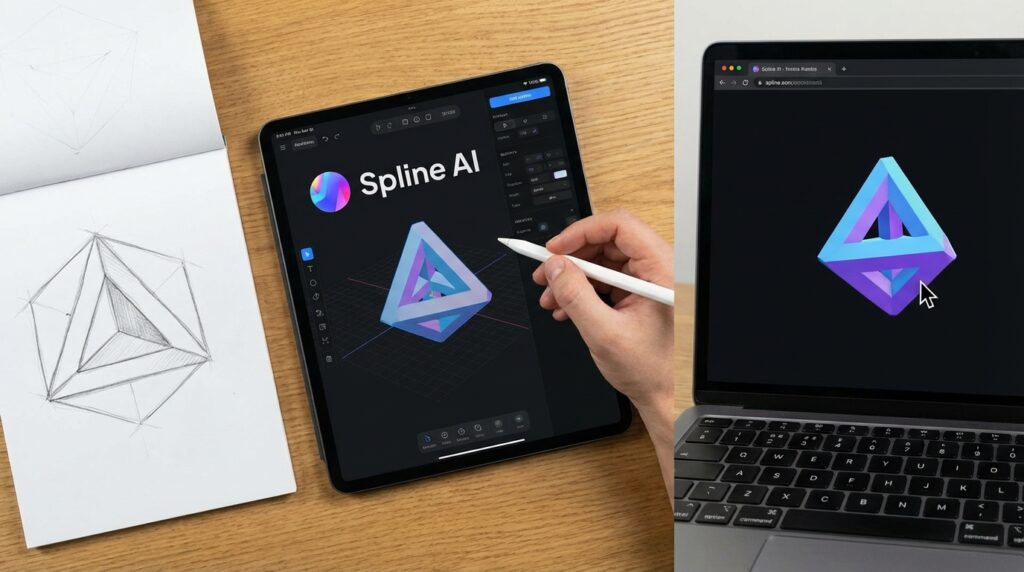
- Step 3: Image-to-3D. For brand consistency, you can upload your 2D logo or a sketch. Spline AI uses this as a “Spatial Reference” to extrude and model a 3D version that maintains your exact brand proportions.
2. Animating Without a Timeline: The State Machine
Traditional 3D software uses linear timelines. Spline uses a State-Based System, which is much more intuitive for web designers.
Instead of animating “from second 1 to second 5,” you define States:
- Base State: How the object looks normally.
- Hover State: The object scales up and glows when a mouse hovers over it.
- Click State: The object spins or changes color when clicked.
Spline automatically calculates the “tweening” (the smooth transition) between these states. In 2026, you can also use Scroll Events to trigger these transitions, making it easy to create those high-end “Apple-style” landing pages where products assemble as you scroll down.
3. Integration: From Spline to Live Site
Once your 3D scene is ready, getting it onto your website is the easiest part of the process. In 2026, you have three primary paths:
Path A: The Spline Viewer (No-Code)
Simply click “Export” and copy the <spline-viewer> HTML tag. You can paste this directly into WordPress, Webflow, or Framer.
- Pro Tip: Use the “Global Events” setting so the 3D object can react to the mouse position even when the cursor is on the other side of the web page.
Path B: React & Next.js (For Developers)
Spline provides a native @splinetool/react-spline component. This allows you to control your 3D scene using React props. You can even connect your 3D scene to real-time data—for example, a 3D battery icon that drains based on your app’s actual API data.
Path C: Spatial Computing (visionOS)
With the launch of visionOS 26 and the latest Apple Vision Pro models, Spline now allows you to export your scenes as Volumes or Full Immersive Spaces. You can preview your web graphics in AR directly via the “Spline Mirror” app before deploying them.
4. Comparison: Spline vs. The Competition (2026)
| Feature | Spline AI | Three.js | Blender |
| Learning Curve | Gentle (No-Code) | Steep (Javascript) | Moderate (High-end 3D) |
| Web Integration | Instant Embed | Manual Setup | Needs Export (GLTF) |
| AI Generation | Native & Integrated | Community Plugins | Experimental |
| Collaboration | Real-time (Google Docs style) | Via Git | Mostly Solo |
5. 2026 Pricing & Performance
While 3D graphics used to slow down websites, Spline’s 2026 Engine utilizes WebGPU (the successor to WebGL). This provides hardware-accelerated performance that is up to 3x faster, allowing for complex scenes even on mobile browsers.
- Free Tier: Unlimited personal files (with a small Spline logo on exports).
- Professional ($20/mo): Removes the logo, adds 4K video exports, and unlocks the full Spline AI Credit pack (roughly 2,000–4,000 generations per month).
Pro-Tips for “Web-Ready” 3D
- Optimize Your Polygons: Even in 2026, “heavy” models slow down pages. Use the Spline Decimate tool to reduce the complexity of your objects without losing visual quality.
- Use Baked Shadows: Real-time shadows are expensive. For simple graphics, “bake” your shadows into the material for a 60FPS experience on all devices.
- Constraint-Based Layouts: Use the new Auto-Layout for 3D to ensure your graphics resize gracefully between a desktop monitor and a smartphone screen.